What Is Google Business Profile Optimization?
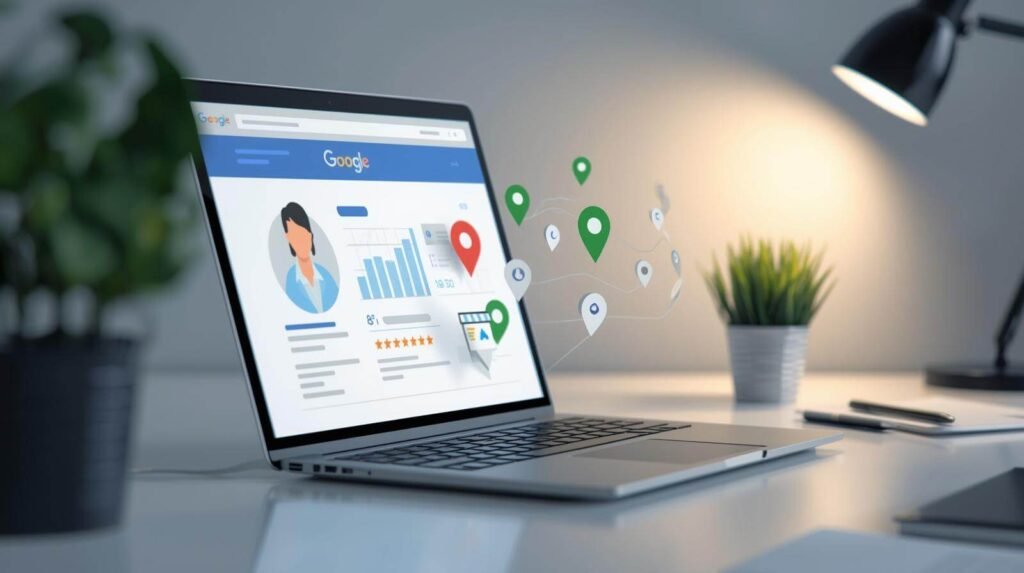
Google Business Profile optimization means actively improving and updating your business listing so it shows up for local searches in Google Maps and Search. This is especially important for Google Map Pack. This is the little box above the organic search results with businesses.

It’s about adding categories, a description, the correct NAP (name, address and phone number), services, service area, etc. This sends the right signals to Google’s algorithm.
If you do it right, you show up high in local searches, and you get more calls, bookings, and traffic to your website. These visitors are all potential customers.
How To Optimize Your Google Business Profile For Local SEO (Step-By-Step)
Now, you might be thinking, “It’s nice to know it’s important, but I don’t know how to optimize my Google Business Profile.” I have got you covered, follow this step-by-step guide on how to optimize your Google Business Profile.
1. Claim & verify your business
It all starts with claiming and verifying your business. If you haven’t claimed your profile yet, go to https://business.google.com/. If it already exists, you’ll see an option to claim it. If it doesn’t exist yet, you can create a new listing from scratch.
Once you have claimed it, it is time to verify it. Verification typically happens via a postcard sent to your business address. This normally takes between 5-7 business days. Google might, depending on your business type, offer phone, email, or video verification.
It’s absolutely crucial, as Google rewards verified businesses with greater visibility and access to advanced features.
2. Select the right business categories
You have the opportunity to select one primary category and up to nine subcategories. Your primary category is the most important ranking signal Google uses. It tells Google exactly what your business is. Be as specific as possible, this will attract the most qualified traffic.

Choose the most relevant secondary categories. Only select those categories that match your business.
You can check your competitors categories with the GMB Everywhere Chrome Extension. This way, you can check their listed categories and gain ideas.
Choosing the wrong category is a damaging ranking factor for your local SEO, so take your time here!
3. Optimize your location strategy
Your location determines where you’ll show up. Proximity is a big ranking factor. If you have a physical location that customers visit, enter the address correctly. Google references your address with your website, directories, and other signals.
If you go to your customers, you can hide your address and set a service area instead. Define it with specific cities, regions, or postal codes. Only select the area you really work in, and don’t exaggerate.

Your address and service area should match what’s listed on your website and directories. A mismatch is considered a red flag for Google’s algorithm.
If you have multiple locations, you’ll need to verify these other locations too. That’s how GBP works.
4. Provide accurate business information
This step sounds obvious, but a lot of business owners do it wrong in a rush to complete their profile. Especially your NAP information needs to be correct, as Google checks this with your website and other directories. As mentioned above, if there is a mismatch, it is considered a red flag for Google’s algorithm.
Check every field twice to ensure the provided information is correct. Every empty field is a missed opportunity to be more visible.
5. Fill out your services
The services section is often underused by small business owners. Here you can add individual services you offer with names, descriptions, and prices:
- Be specific.
- Explain in detail.
- Use keywords naturally.

These keywords help you get found in local searches and match your profile to more local queries. The more specific you are, the more relevant you become. In your description, also add the benefit to your customer.
6. Create a keyword rich description
You have 750 words to describe your business. Use it! This is your chance to tell potential customers and Google who you are, what you do and why they should choose you.
Follow this blueprint:
- Who are you?
- What do you offer?
- Where do you do it?
- What makes you different?
In the description add keywords naturally for local search queries. Always keep your customer and their pain points in mind.
7. Upload high-quality images
First impressions are often visual. So ensure your images are high-quality. Show your workspace, your team, finished projects, happy customers, etc. Variety matters.
Google loves freshness, so add new images on a regular basis. It sends a signal to Google that your business is active.
High-quality images tell visitors that you’re real, legitimate and trustworthy. Give customers an idea of what you’re like.
8. Create a review management & acquiring system
Reviews are an essential ranking factor. They’re not only a ranking signal, but also a reflection your reputation. People will see what your customers’ experiences are and how you respond to them.
It’s not just about the star rating; a thorough review that mentions services in detail outperforms generic five-star reviews. Ensure you respond to every review, it shows you care about your customers and their experience. Ask your customers to include some keywords, like the service and your location, but it still has to sound natural.
Create a system, so your business gains reviews regularly. You can ask customers after you establish a bit of a bond, or you can send out monthly emails to new customers with a link to your Google review page. You can also add a scannable QR code to your business card.
And never buy fake reviews. Google’s algorithm will notice it and punish your business profile.
9. Use Google posts
Most local business owners don’t use Google Posts. Google Posts are mini-updates about your business.
Profiles with regular posts appear three times more in the top three map results. Once or twice a month is already sufficient, if you can do more, definitely do. It shows that your business is active, which Google rewards.
You can post about promotions, news, blog posts, events, etc.
10. Track & monitor performance with Google Insights
Once you have optimized your GBP completely, make sure you track its performance.
Inside your GBP dashboard, go to the “Performance” section. Here you can see how many impressions you had, where they discovered you, how many clicks, and how many calls and bookings your GBP has generated for your business.
Review it monthly and make adjustments if necessary.